Five myths about the App Store keyword field
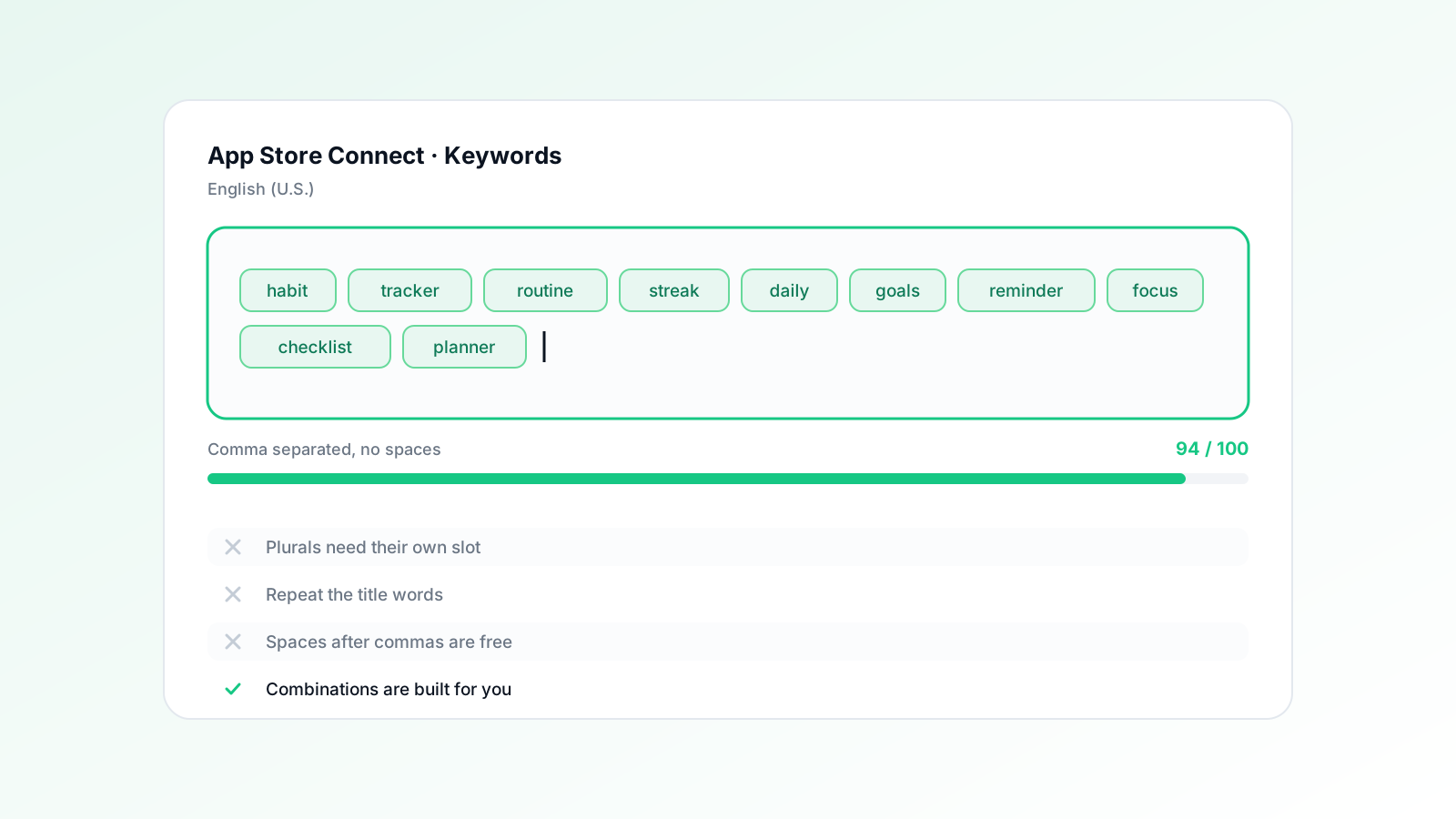
The App Store keyword field holds 100 characters, is invisible to users, and is combined with your title and subtitle to form the terms you can rank for. The rules that actually matter are: separate terms with commas and no spaces, never repeat a word that already appears in your title or subtitle, skip your category name, skip plurals the store already handles, and treat the field as a source of combinable words rather than finished phrases.
Myth 1: spaces after commas are harmless
They are not harmless — each one costs a character out of a budget of 100, and characters are the entire constraint. Write budget,tracker,expense, not budget, tracker, expense. On a well-packed field that single habit is worth six or seven extra characters, which is another whole term.
Myth 2: repeating your title keywords reinforces them
Repetition adds nothing. Apple indexes your title, subtitle and keyword field together, so a word that already appears in your title is spent — putting it in the keyword field only removes room for a word that is not indexed yet.
Myth 3: you should write full phrases
The store combines your indexed words into phrases on its own. If budget, planner and app are all indexed, you can surface for budget planner app without ever writing that phrase. Spending characters on the same word twice inside two phrases is the classic beginner error.
| Approach | Field content | Characters |
|---|---|---|
| Phrases | budget planner,expense planner,money planner | 43 |
| Words | budget,expense,money,planner | 28 |
Myth 4: you need singular and plural
In most cases you do not — the store handles routine plural matching. Spend the characters on a distinct concept instead. The exception is where the plural is a genuinely different word or a different intent in your market, which is worth checking per language rather than assuming.
Myth 5: competitor brand names are free traffic
They are a policy risk and usually a poor trade. Trademarked names can trigger removal, and even when they do not, a searcher typing a competitor's brand has already chosen. The characters buy more from a mid-tail term where intent is unresolved.
Frequently asked questions
Does the keyword field exist on Google Play?
No. Google Play indexes your description text instead, which is why the Android playbook is about natural density in the long description rather than a hidden field.
How often should the keyword field be changed?
Whenever you ship a release, and no more than one substantial change at a time — otherwise you cannot attribute the movement to anything.
appXL Research
App Store Optimization Research Team
The appXL research team analyzes App Store and Google Play ranking data across the apps our agent manages, and publishes what it finds.