Free ASO tools
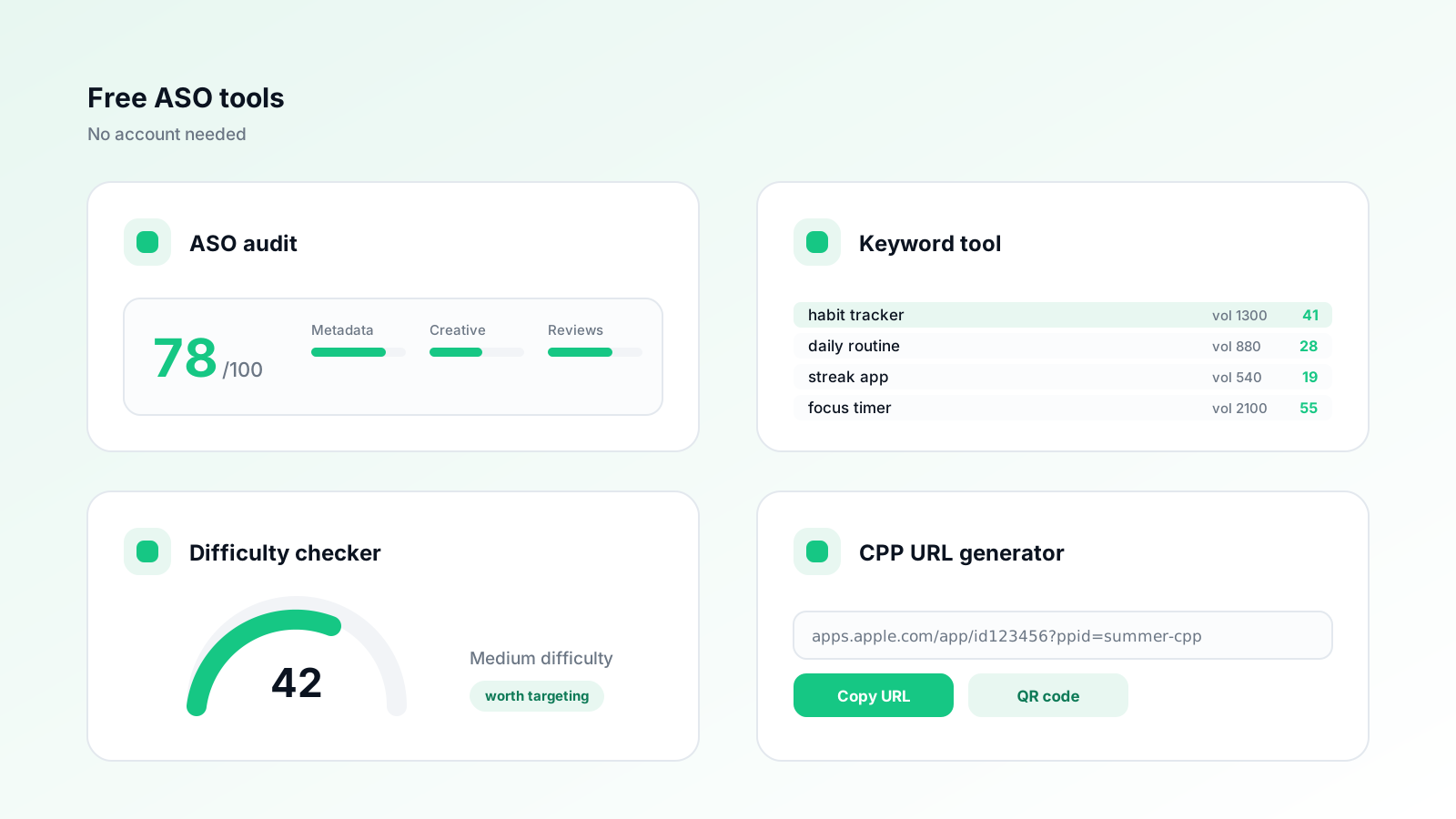
These are appXL's free App Store and Google Play utilities. Each one does a single job a practitioner actually repeats — checking keyword coverage on a live listing, auditing a store page, generating store badges or custom product page URLs, sanity-checking how hard a keyword is, or reading what reviewers are actually complaining about. They are free and need no signup, though the ones that pull live store data are rate limited so they stay available. Nothing here is a trial of a paid tier; the paid product is the agent that does this work continuously instead of on demand.
Key takeaways
- Every tool solves one repeated ASO task rather than bundling a dashboard you have to learn.
- Free with no signup; live-store checks are rate limited per device.
- The generators (badges, CPP URLs) run in the browser and store nothing.
- The same analyzes run continuously inside the appXL agent for teams that want them ongoing.
How we compared them
Each tool listed here is built and hosted by appXL, works without an account, and states plainly what data it reads. Where a tool depends on live store data we say so, because that is the part that has to be rate limited.
The tools
- 1
ASO keyword tool
from FreeBest for: Seeing which keywords your live listing actually covers
Analyzes a live App Store or Google Play listing and reports keyword coverage and character-budget use field by field.
- 2
Free ASO audit
from FreeBest for: A scored before-and-after view of a whole listing
Scores metadata, keywords and conversion elements, then shows the rewritten listing next to the current one.
- 3
App store badge generator
from FreeBest for: Correct, guideline-compliant download buttons
Generates official-style App Store and Google Play badges at the right sizes, clear space and locale.
- 4
CPP URL generator
from FreeBest for: Tracking custom product pages in paid campaigns
Builds correctly formed custom product page URLs with the parameters that keep attribution intact.
- 5
Keyword difficulty checker
from FreeBest for: Deciding whether a term is worth targeting
Estimates how hard an app store keyword is to rank for, based on who currently holds the top results.
- 6
Review sentiment analyzer
from FreeBest for: Finding the themes behind a falling rating
Groups recent reviews into recurring themes and sentiment so you can see what is actually driving the score.
- 7
Screenshot generator
from FreeBest for: Getting store-ready screenshot sizes out quickly
Frames and sizes app screenshots to current App Store and Google Play requirements, with caption guidance.
Which tool you need
| Your question | Use |
|---|---|
| What keywords does my listing cover? | ASO keyword tool |
| Is my whole listing any good? | Free ASO audit |
| How do I add correct store buttons to my site? | App store badge generator |
| How do I link an ad to a specific product page? | CPP URL generator |
| Can I realistically rank for this term? | Keyword difficulty checker |
| Why is my rating dropping? | Review sentiment analyzer |
| What size do my screenshots need to be? | Screenshot generator |
What free tools can and cannot tell you
A one-off check tells you the state of a listing today. It cannot tell you whether a change worked, because that requires a baseline, a change log and a re-measure after the store re-indexes — typically one to two weeks on the App Store and slightly faster on Google Play.
That gap is the honest case for a paid tool of any kind, ours included. Use the free tools to find the obvious problems, which on most listings is a large share of the available upside, then decide whether the remaining work justifies ongoing tooling.
What data these tools read
- Public store listing data: title, subtitle, description, category, rating and reviews.
- No account credentials. None of these tools connect to App Store Connect or Google Play Console.
- Generators run entirely in your browser and send nothing to a server.
- Live-store lookups are rate limited per device to keep the tools free and available.
Frequently asked questions
Are appXL's tools really free?
Yes. They need no account and no card. Tools that read live store data are rate limited per device so the free tier stays usable for everyone.
Do I need to connect App Store Connect or Google Play Console?
No. Everything here works from public store data, so you can run a check on any app, including a competitor's.
How are these different from the paid appXL agent?
The free tools give you a snapshot on demand. The agent runs the same analyzes continuously, drafts the metadata changes, and tracks what happened after each one shipped.
appXL Research
App Store Optimization Research Team
The appXL research team analyzes App Store and Google Play ranking data across the apps our agent manages, and publishes what it finds.